
Delete your account
Use this page to delete your account in the MTM Global Visa app for Android and iPhone, made by MTM Global Visa Services Co., Ltd. You don't need the app installed.
Use this page to delete your account in the MTM Global Visa app for Android and iPhone, made by MTM Global Visa Services Co., Ltd. You don't need the app installed.
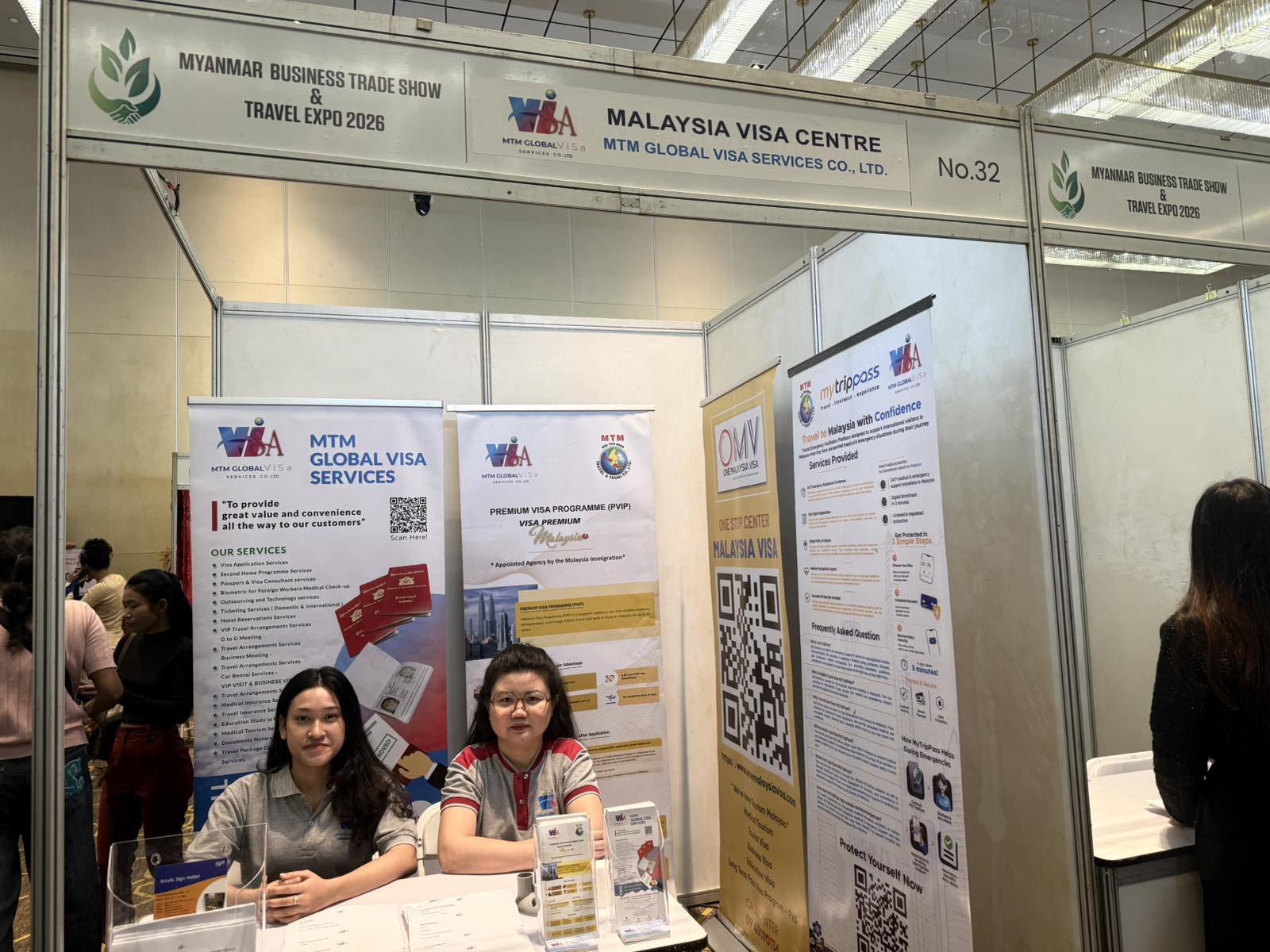
From 4th to 6th September 2026, MTM Global Visa Services Co., Ltd. is proudly participating in the Myanmar International Tourism & Business Expo 2026, being held at Pan Pacific Yangon Hotel – R Floor, Pacific Ballroom, Yangon.
Read the article →
Happy 69th National Day, Malaysia! Selamat Hari Kebangsaan ke-69!
Read the article →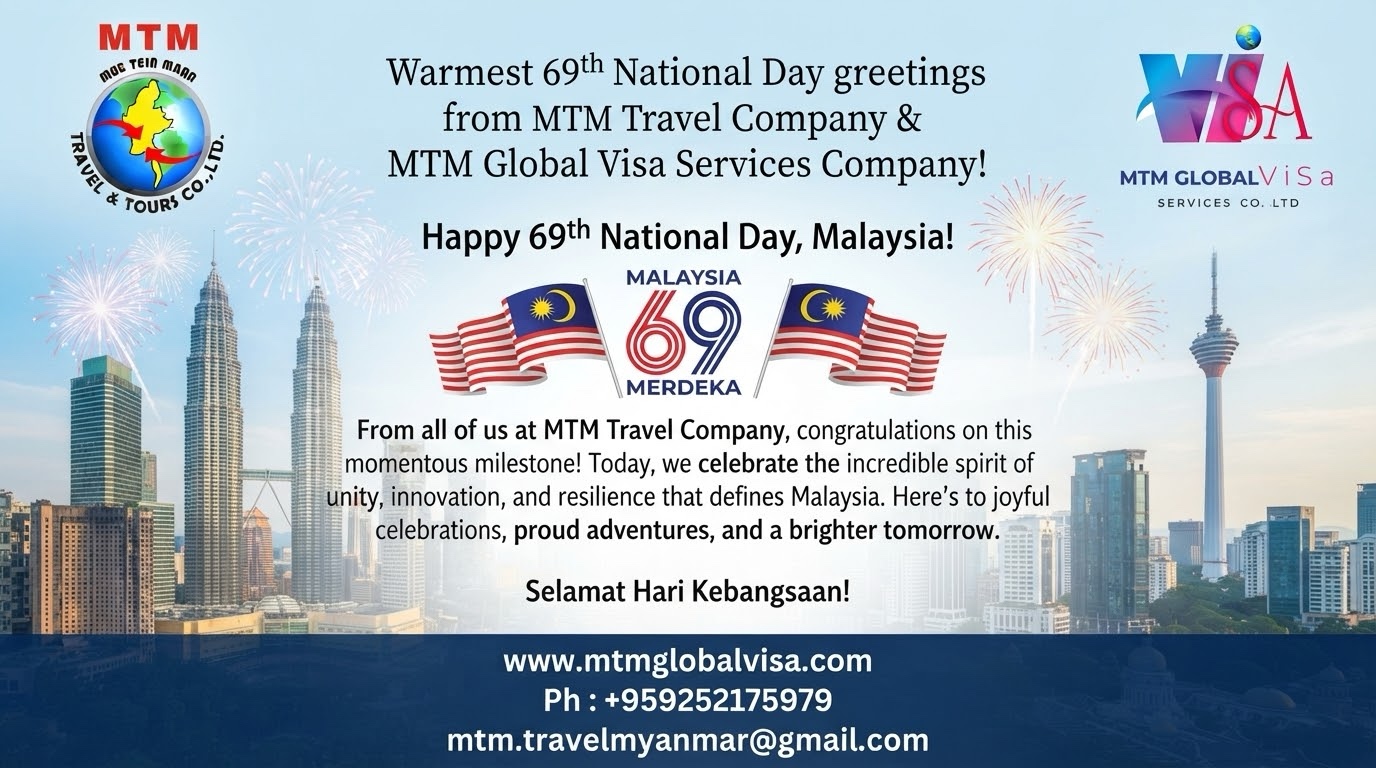
on the 69th National Day of Malaysia from all of us at MTM Travel Co & MTM Global Visa Company.
Read the article →